Bring a stock Ubuntu box. Get a provisioned server.
Run one command as root and the machine provisions itself: a deploy user, hardened SSH, a firewall, security updates, then whatever it is for.
One command, valid for two hours
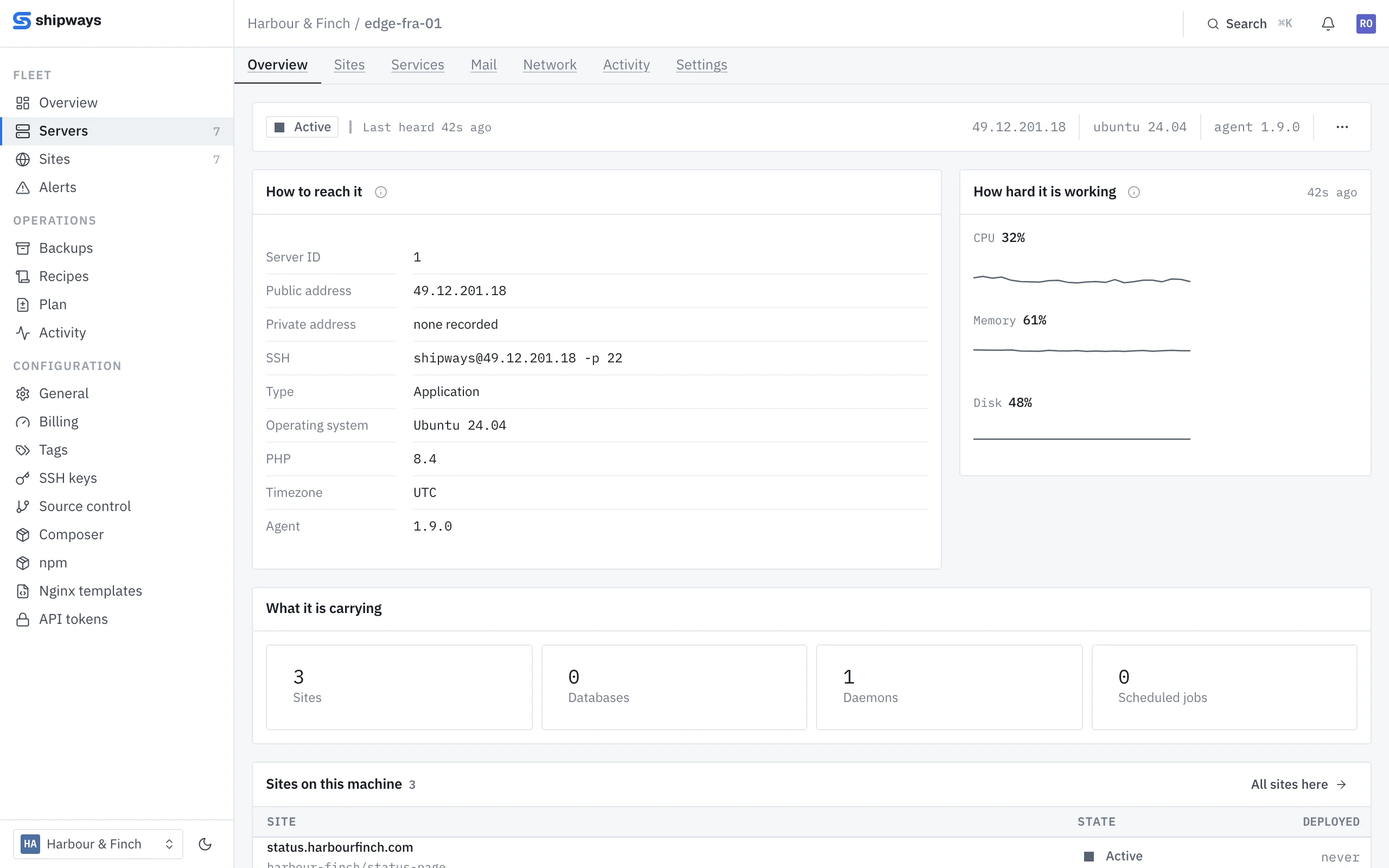
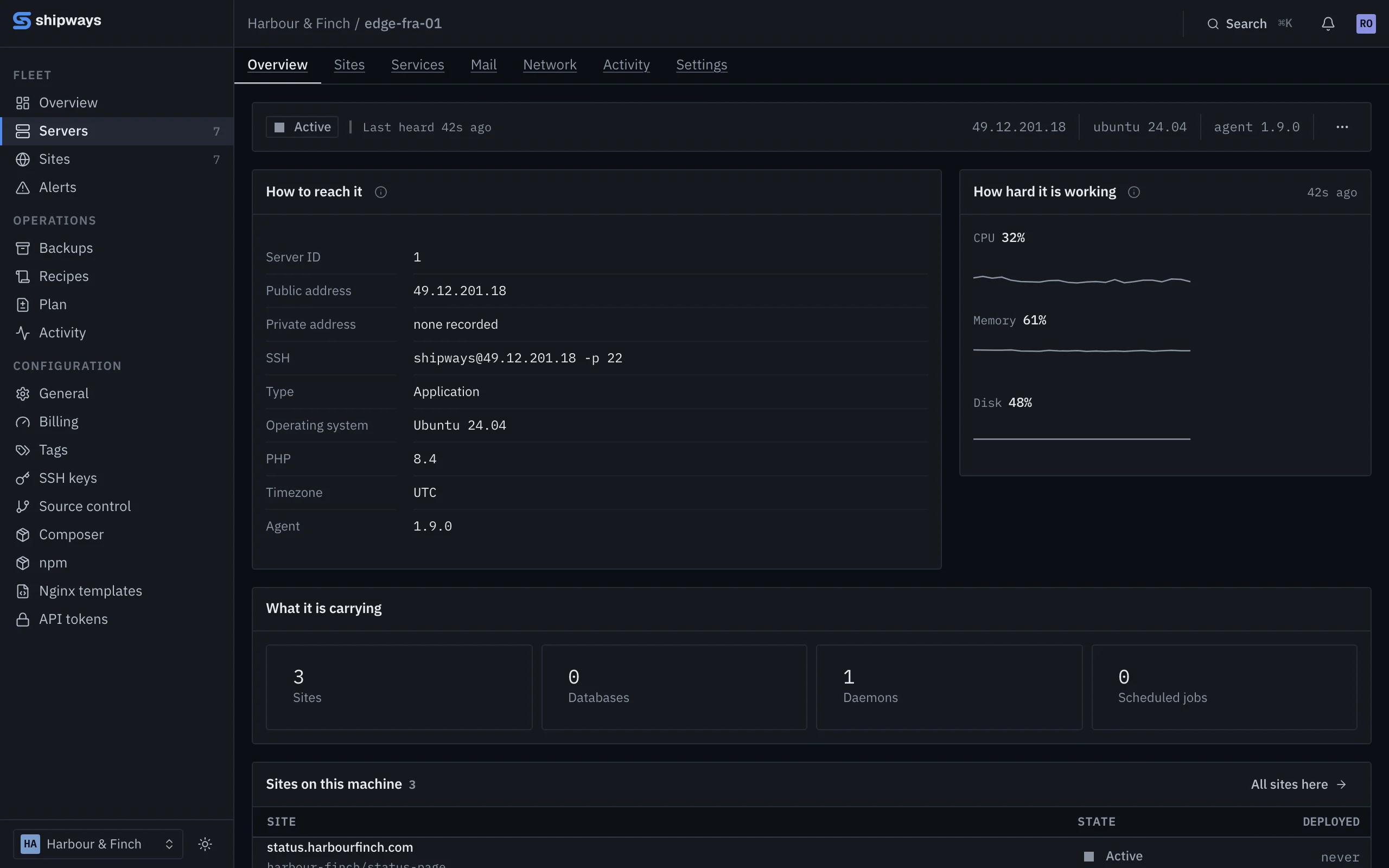
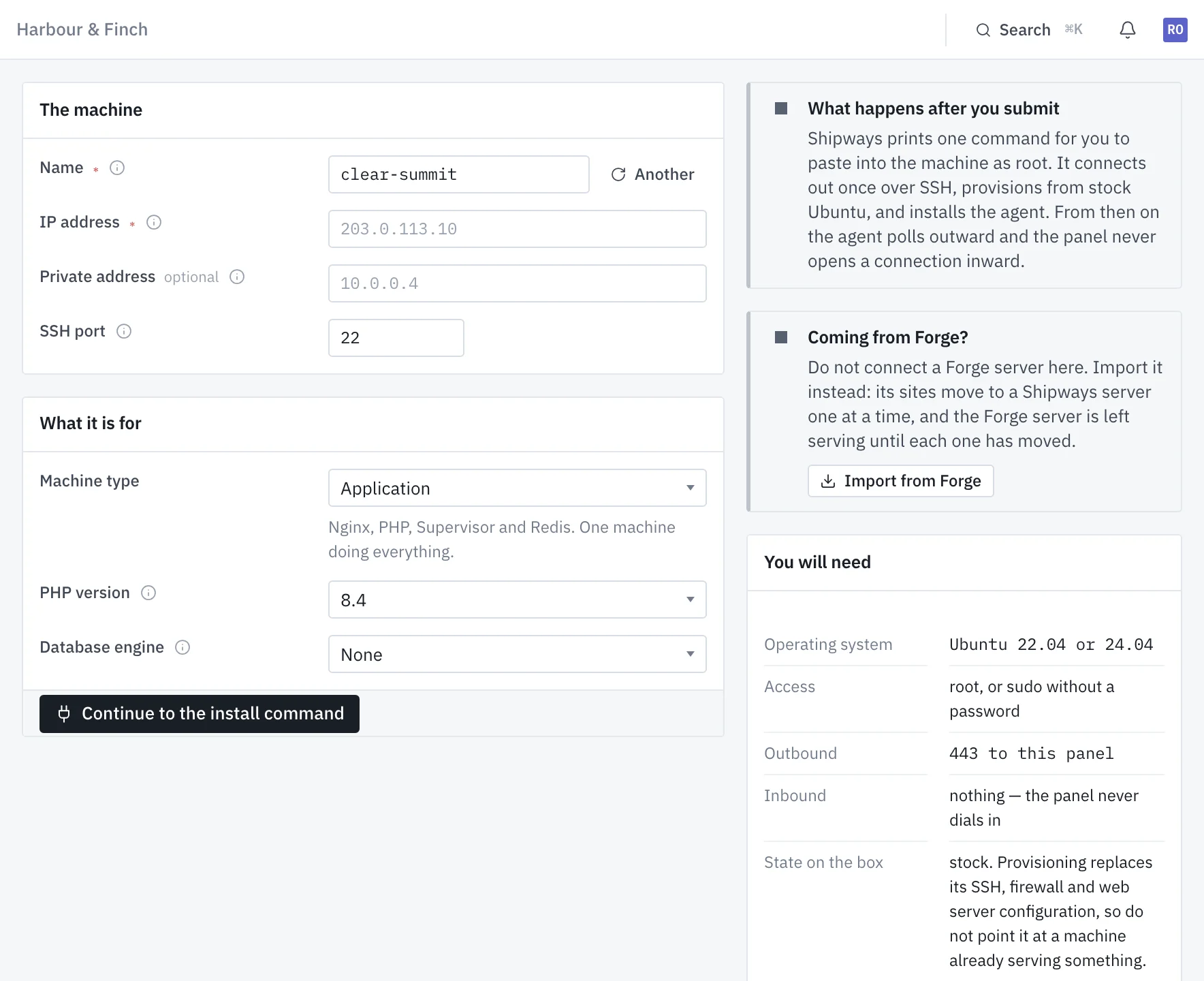
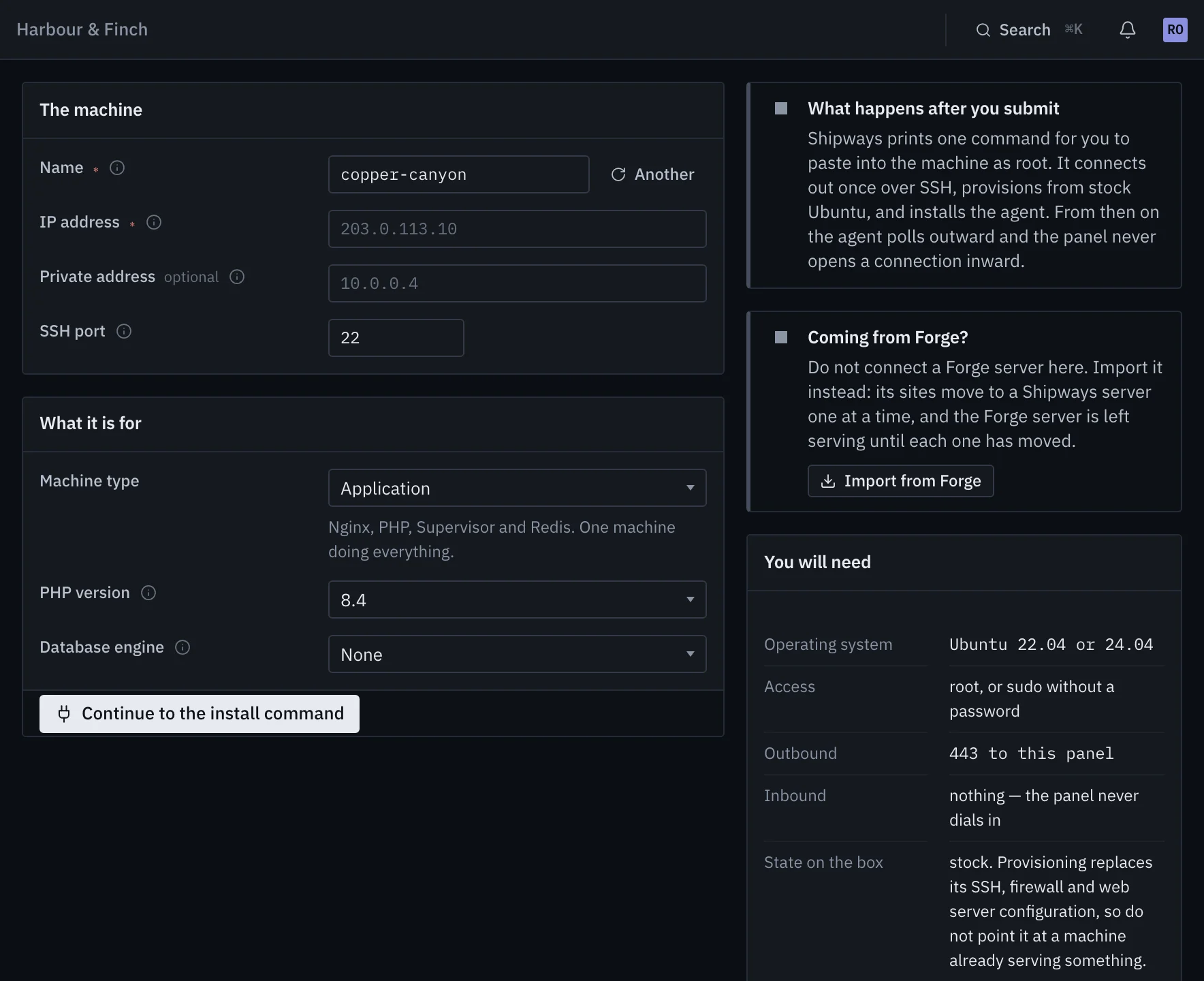
Name the machine, give its address and say what it is for. The panel prints an install command with a signed link that expires in two hours. Run it as root on a fresh Ubuntu 22.04 or 24.04 machine from any provider, and provisioning starts the moment the agent reports in. There is no button to press.
- A fresh machine: provisioning replaces its SSH, firewall and web server configuration
- Coming from Forge? Import the server instead and move its sites one at a time
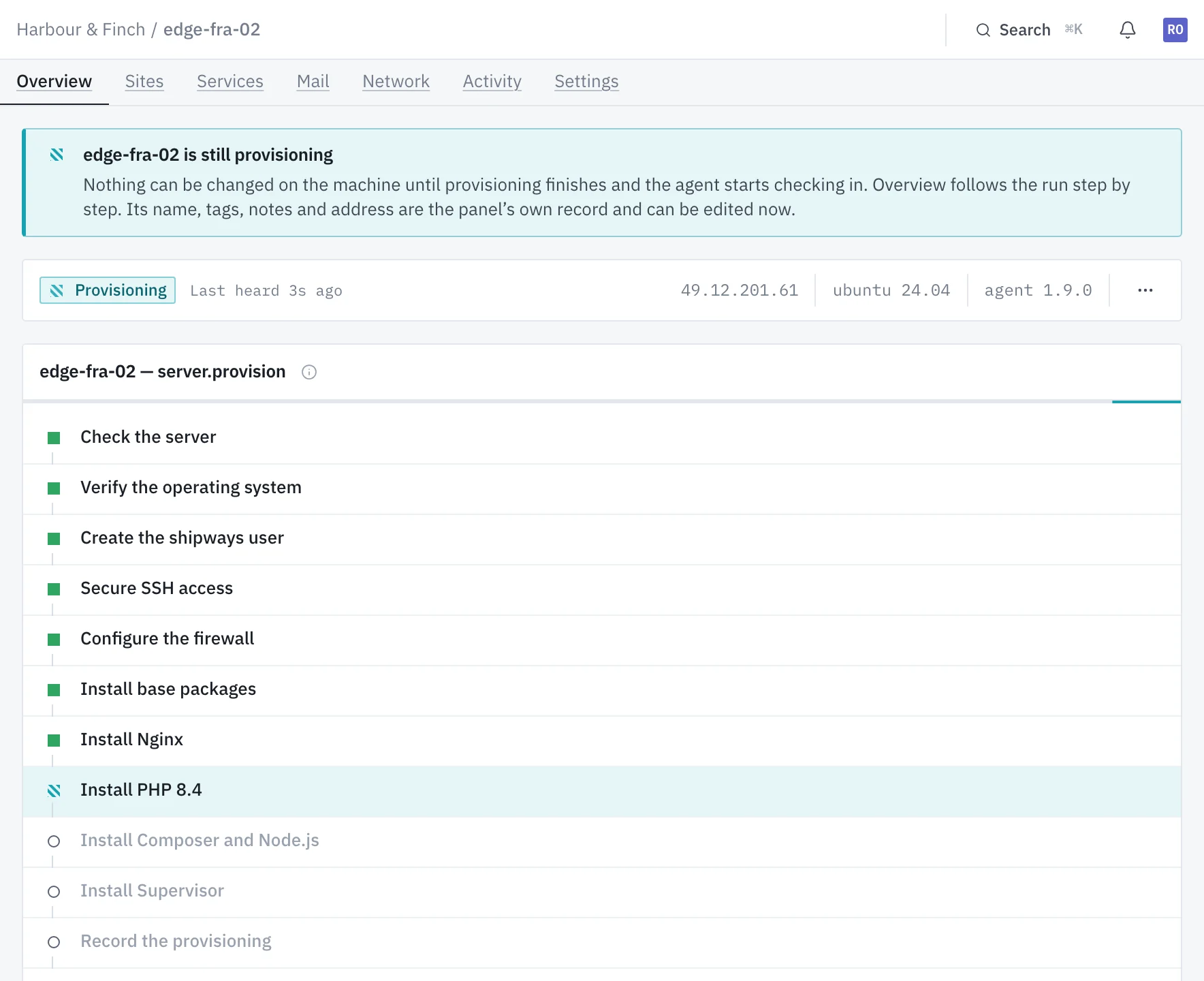
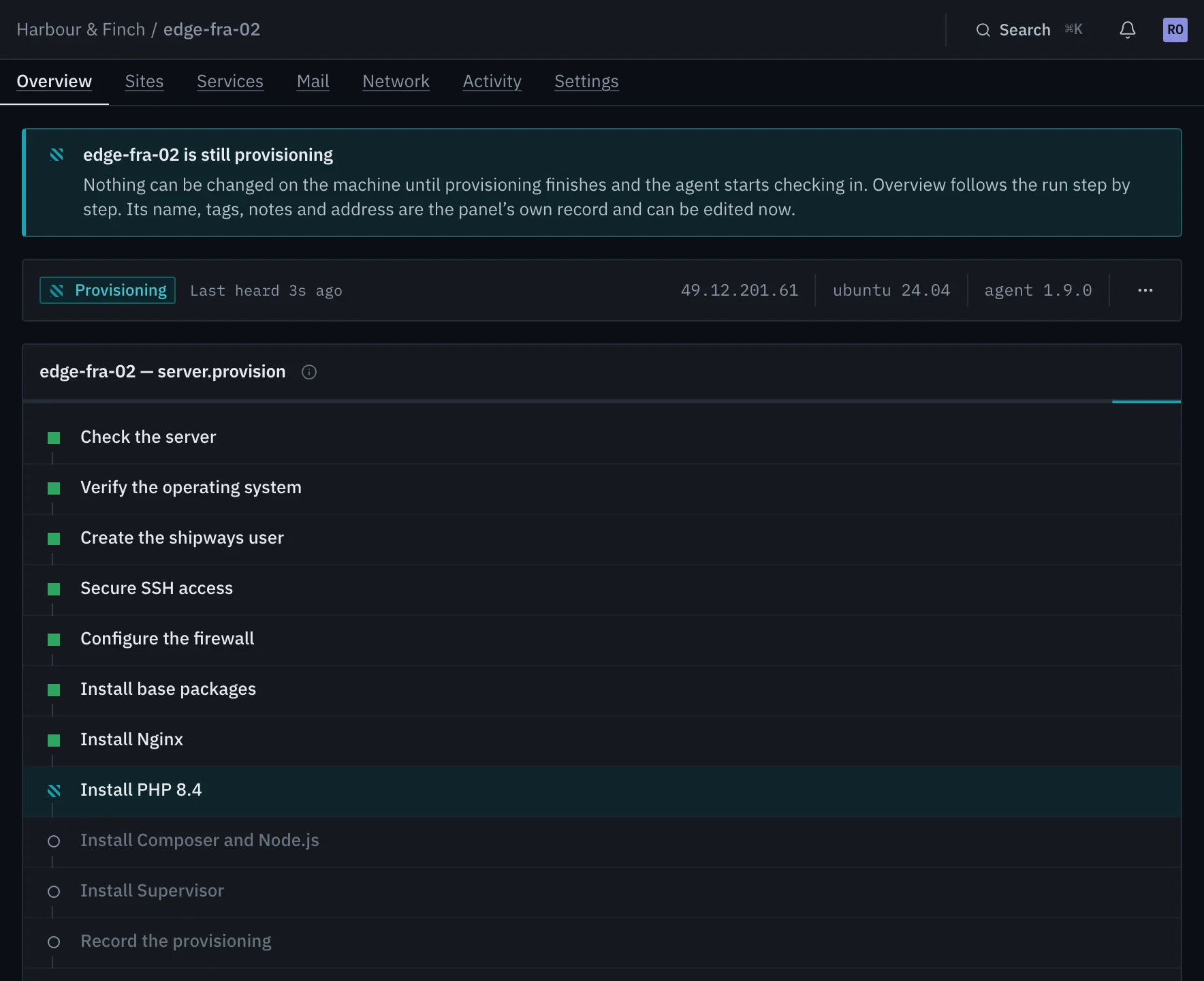
Every step named, timed and on the record
A deploy user holding your organization's SSH keys. Password logins off and root by key only, validated before sshd reloads. ufw denying inbound by default, and fail2ban. Unattended upgrades for security fixes only, with automatic reboots off. Then the machine's own software.
- Each step streams the machine's own output, and stays readable afterwards
- Nothing about the machine can be changed while it runs
It calls out. Nothing has to call in.
A single static binary for amd64 or arm64, running as the shipways-agent
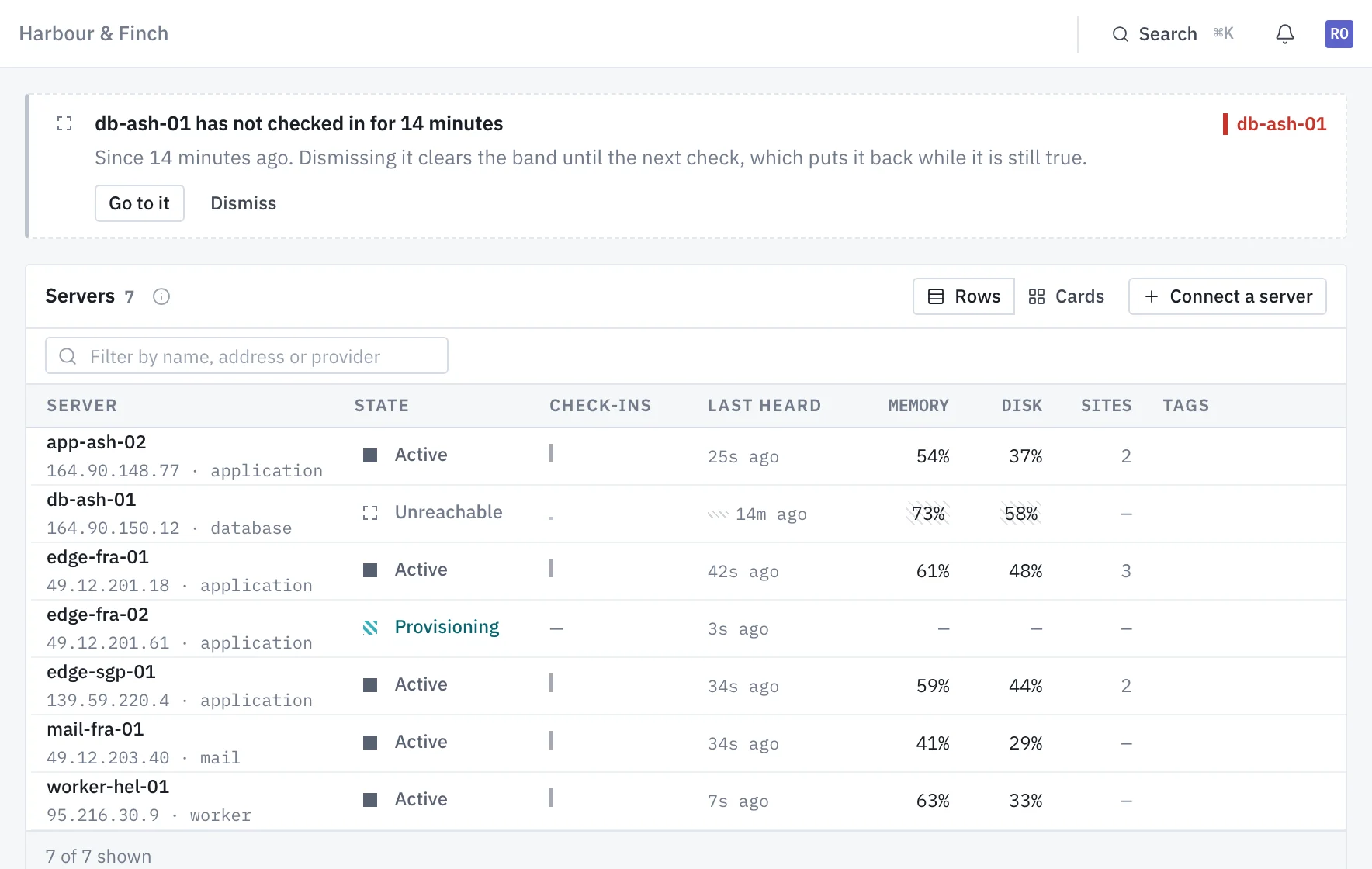
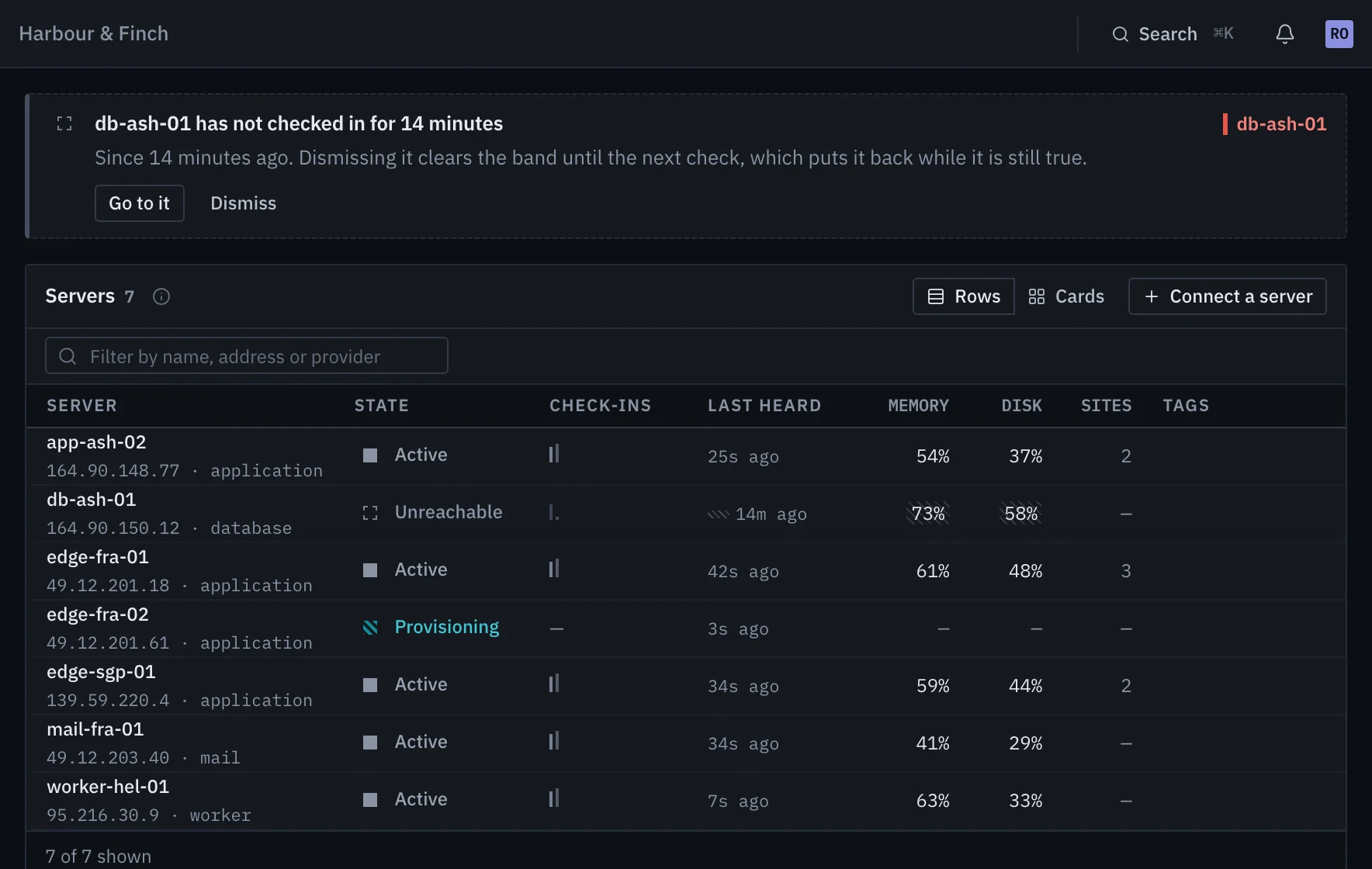
service. It long-polls the panel over HTTPS for work, streams output back, and checks in every 60
seconds with its facts and metrics. Each machine holds a token of its own.
- Works behind NAT and inside a private network
- Quiet for two minutes, and the machine is shown as unreachable, not as down
- If the agent is ever locked out, the panel gives you a repair command for SSH
Chosen once, and it decides what goes on it
The type is fixed when the machine is connected, so nothing installed later contradicts what it was built to do.
Nginx, PHP, Supervisor and Redis. One machine doing everything.
Nginx, PHP and Supervisor. Its data lives on another server.
PHP and Supervisor, no Nginx. Queued and scheduled work only.
A database engine and nothing else: MySQL 8, PostgreSQL 16, or both.
Redis and nothing else.
Nginx in front of other servers.
Meilisearch and nothing else.
Postfix, Dovecot and Rspamd, with mailboxes and webmail.
The things people ssh in to change
Managed ufw rules, deny by default. The last rule letting SSH in cannot be removed, so the panel cannot lock you out.
Several on one machine, each site on its own FPM socket, with extensions per version.
One upload size that also sets post_max_size and nginx, and an execution time that sets the FastCGI timeout.
Per server or for the whole organization, reaching machines connected later too.
Let one machine reach another over private addresses, without opening anything publicly.
Nginx, PHP-FPM, the database, Redis, SSH and every daemon, tailed live in the browser.
One machine, free, for as long as you like
No card and no end date. Connect a spare box and watch it provision; everything it builds carries into whichever plan you move to.