Databases on your machines, backups in storage you own
MySQL 8 and PostgreSQL 16 with their users and grants, dumped on the schedule you set to a destination you control, and restored as a run you can watch.
Engines, databases and users, kept apart
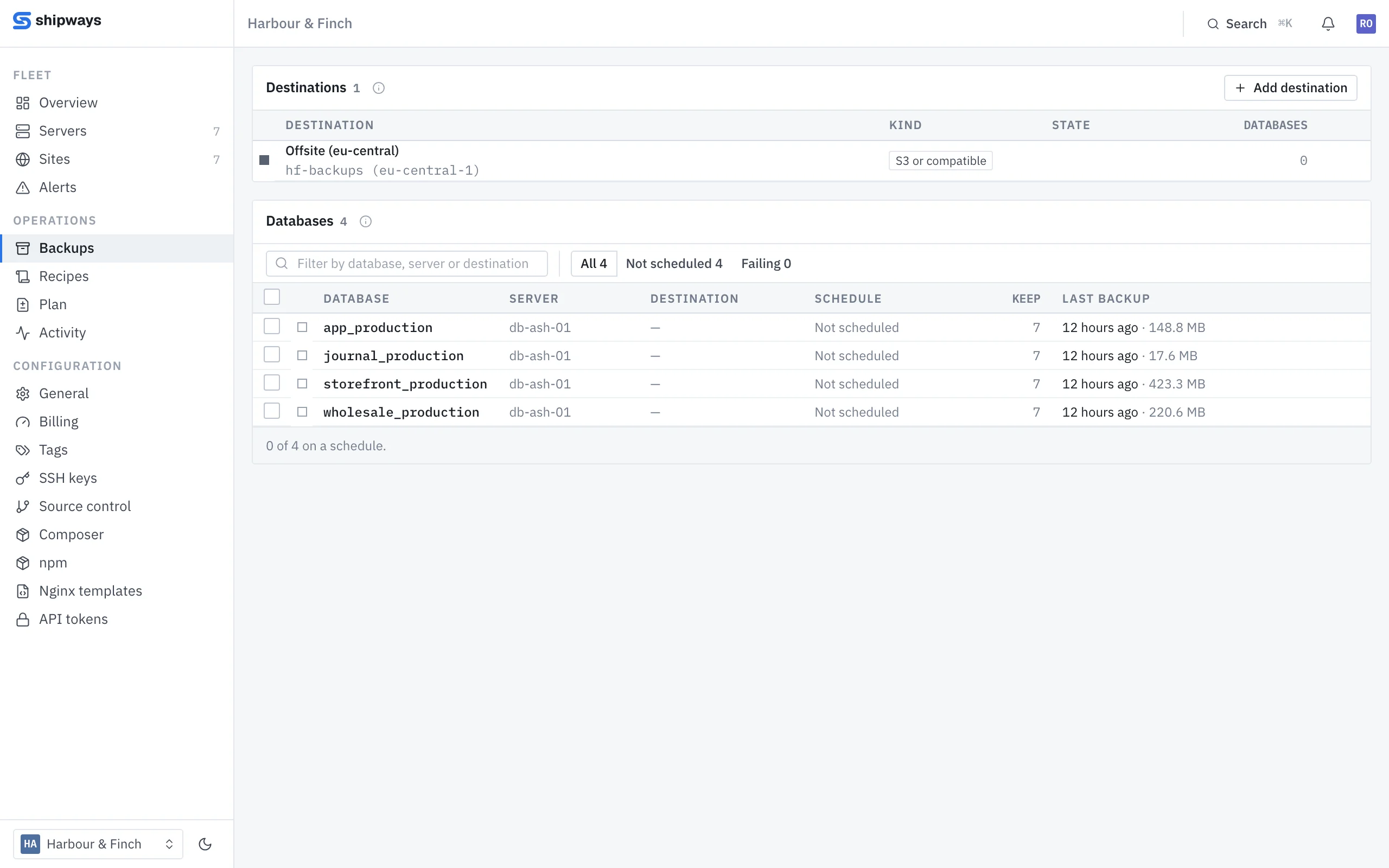
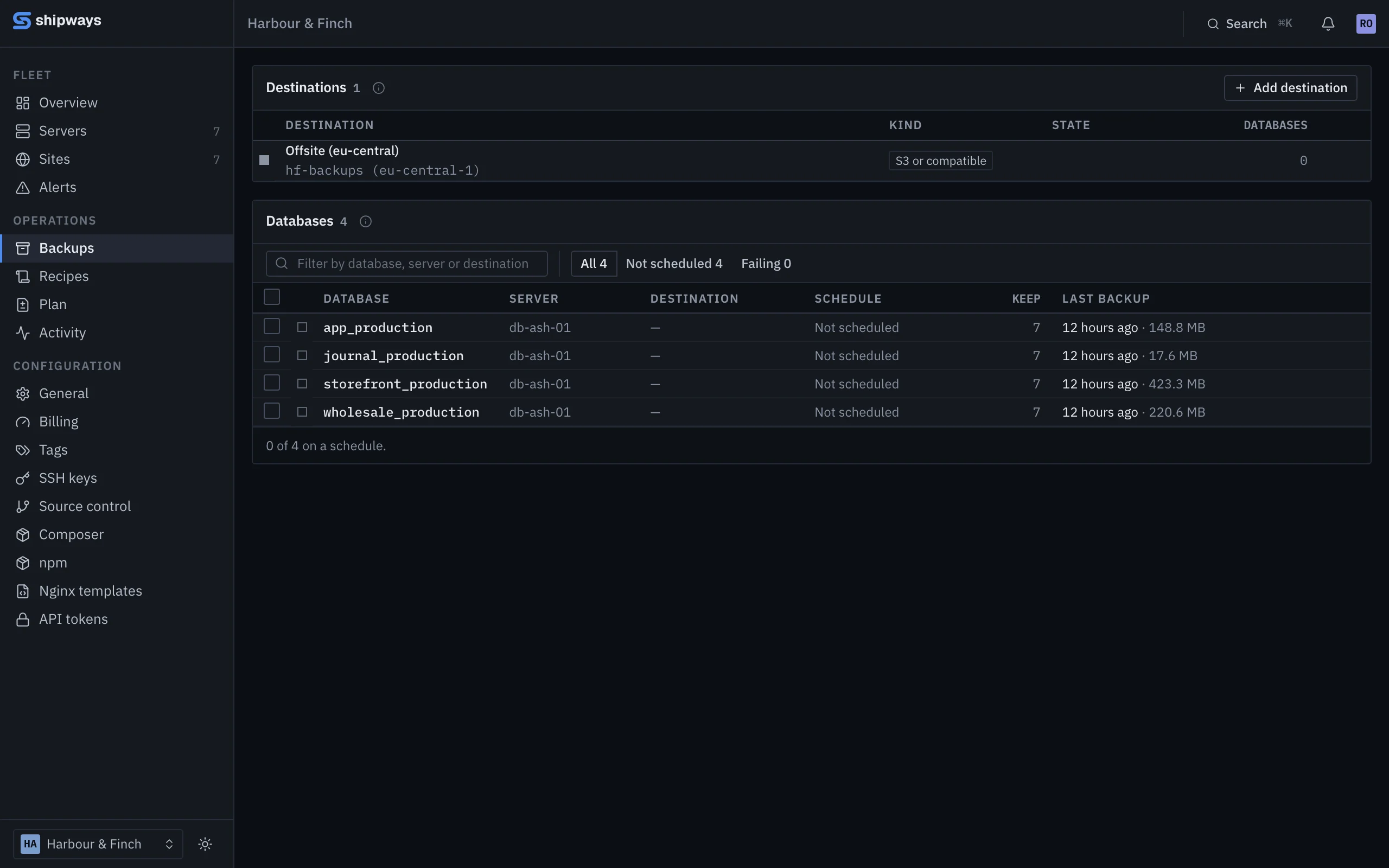
Install MySQL 8, PostgreSQL 16 or both on an application or database machine. Users are separate from databases, so one account can reach several on the same engine and each site connects as its own. Neither port is opened publicly; other machines reach it over a private connection.
- Passwords generated and stored encrypted; "connect as" builds the connection string
- Create a database for a site and its credentials go into that site's .env
- Imports and exports from the panel
A backup is only kept once it has been checked
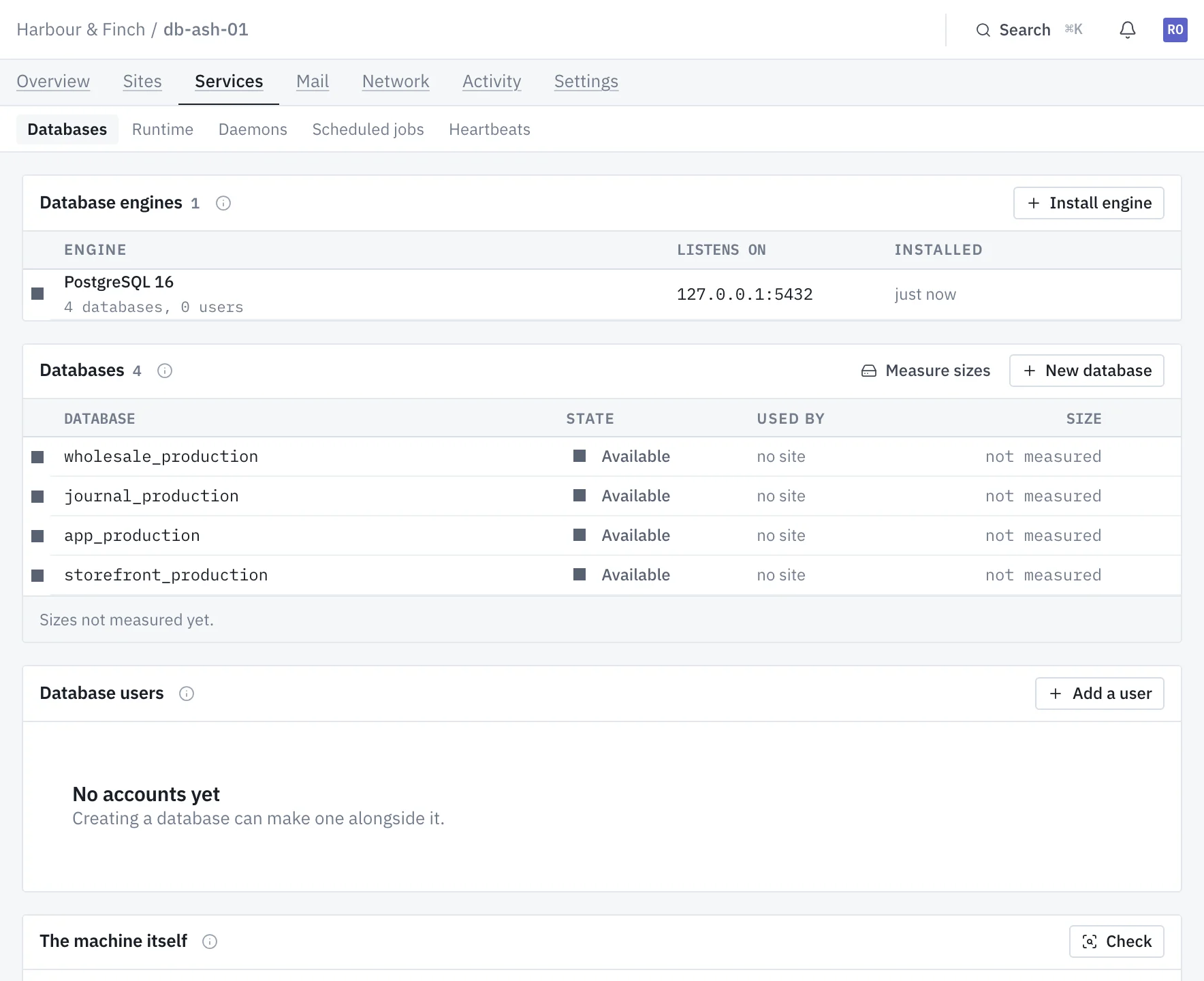
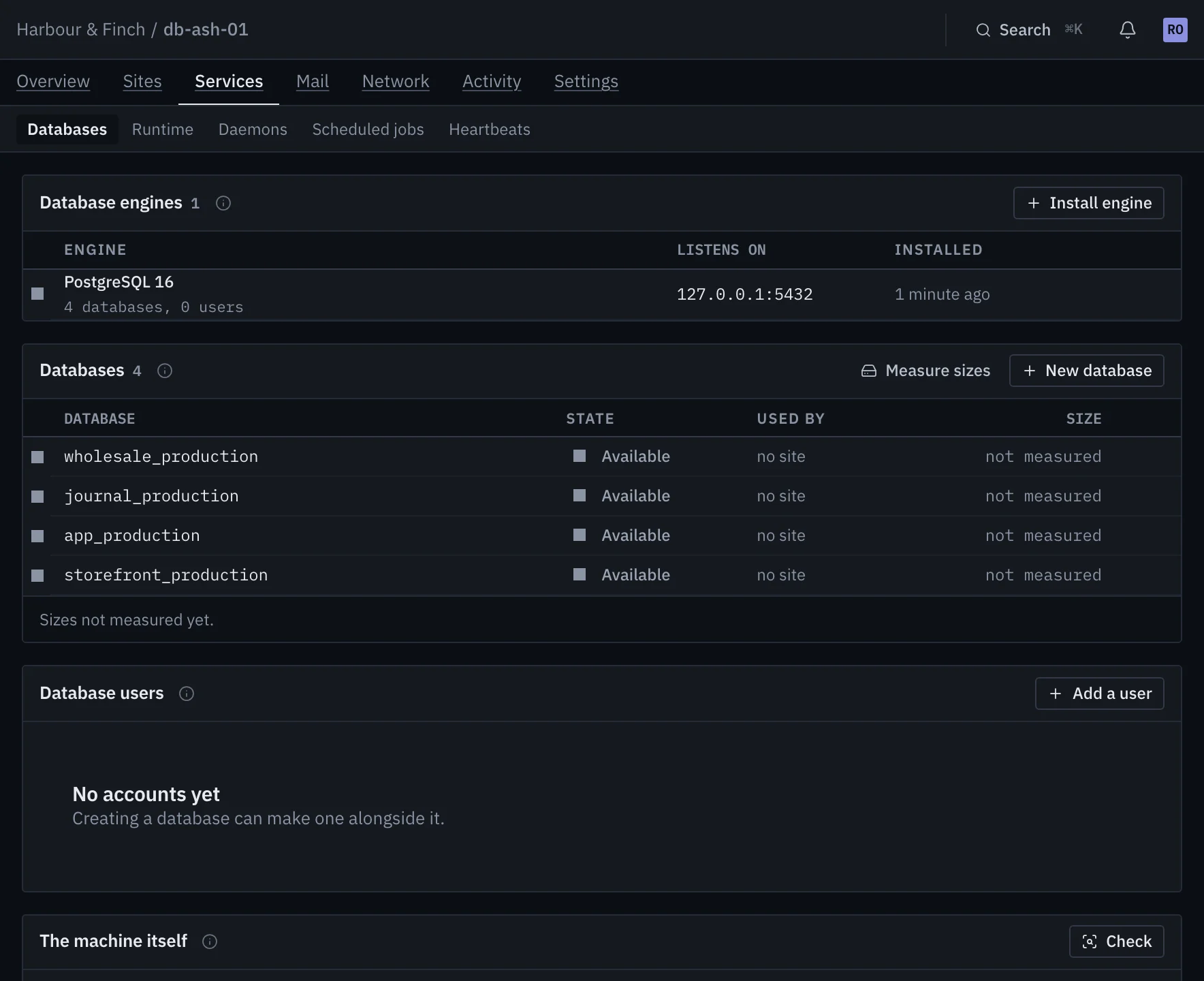
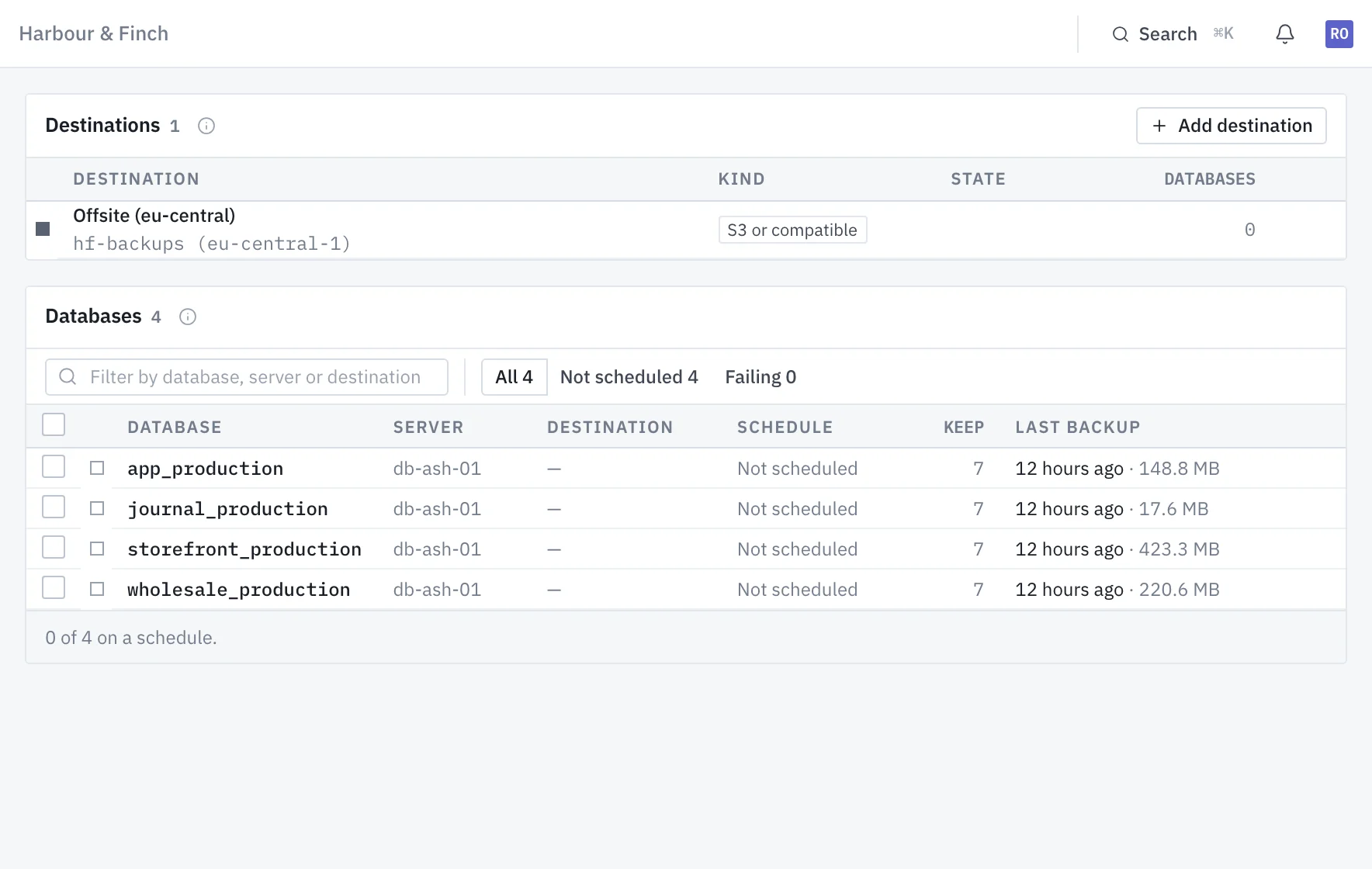
Each database gets its own schedule: a destination, a cron expression and how many to keep. A run dumps with
mysqldump or pg_dump, compresses and streams it
to the destination, then checks what arrived. Old backups are pruned only after the new one has passed.
- To S3 or anything compatible, SFTP, FTPS, Google Drive, or a directory on the server
- An alert when a backup fails, and when there has been none for 36 hours
A restore you can watch, that keeps a way back
Restoring replaces what the target database holds. So before anything is replaced, a safety copy of the target is taken, and the restore refuses to go on if that copy fails.
Taken of the target before it is overwritten. No copy, no restore.
Restore beside the original on the same server, to compare before you switch.
The restore is a run with its own output, like a deploy or a provision.
One machine, free, for as long as you like
No card and no end date. Connect a spare box and watch it provision; everything it builds carries into whichever plan you move to.